
1. Show where you are
Track assets, debts, retirement accounts, home equity, cash, and liabilities so you can see your current net worth.
Learn net worth trackingFree financial dashboard guide
A useful dashboard should teach you what to look at, help you organize the numbers, and make the next decision clearer. Use this guide to compare budgeting apps, net worth trackers, advisor portals, spreadsheets, and whole-picture financial planning dashboards.
Direct answer
For most households, that means one place to organize net worth, cash flow, financial goals, emergency fund targets, debt payoff, retirement estimates, insurance, estate documents, and the planning questions that need a decision. A budgeting app is best for day-to-day spending behavior. A net worth tracker is best for balance-sheet snapshots. A planning dashboard is best when you want those pieces connected.
The Flames Financial Dashboard is built for the planning layer: it helps you learn what each number means, organize the inputs, and decide what question to work on next.
What to look for
Before choosing a tool, separate the job you want the software to do. Many apps are good at one piece. Fewer tools help you understand how the pieces work together.
Track assets, debts, retirement accounts, home equity, cash, and liabilities so you can see your current net worth.
Learn net worth trackingUse annual cash flow to estimate income, taxes, savings, fixed costs, flexible spending, and remaining burn without logging every purchase.
Learn cash-flow planningTurn vague goals into visible targets: emergency fund, retirement, debt payoff, child savings, major purchases, and family priorities.
Learn goal trackingCompare debt payoff, extra savings, investing, cash reserves, tax benefits, and employer match before sending the next dollar somewhere.
Learn debt vs savingA dashboard can organize and educate. Personalized advice is for tax strategy, investment design, retirement timing, equity compensation, estate decisions, and coordinated implementation.
Ask about advisor guidanceThe most useful dashboard does not just store numbers. It helps you decide which page, question, or planning area to work on next.
Start with the dashboard hubTool comparison
Use this comparison to choose the right tool for the question you are trying to answer.
| Tool type | Best for | Common limit | Use the Flames dashboard when... |
|---|---|---|---|
| Budgeting apps YNAB, Rocket Money, category trackers |
Monthly spending, subscription cleanup, category behavior, bill awareness. | They may not connect spending to goals, net worth, taxes, insurance, estate documents, or long-term planning decisions. | You want to keep budgeting separate but see how cash flow supports the broader plan. |
| Net worth trackers Account aggregators and balance sheets |
Assets, debts, account balances, investment values, and overall net worth trends. | A net worth number tells you where you are, but not always what to do next. | You want to connect net worth to goals, savings targets, debt decisions, and planning questions. |
| Spreadsheets Custom household trackers |
Control, manual entry, custom categories, and no required account connections. | They can be hard to maintain, easy to break, and light on guidance. | You want manual control with more structure, learning prompts, and built-in planning categories. |
| Advisor portals Client dashboards and planning software |
Document sharing, advisor collaboration, investment reporting, and client planning workflows. | They are usually available after you hire the advisor, not while you are still learning and preparing. | You want a free front door to organize your situation before deciding whether advice is needed. |
| Financial planning dashboards Whole-picture planning hubs |
Net worth, cash flow, goals, emergency fund, debt payoff, retirement inputs, insurance, estate documents, and planning questions. | They can educate and organize, but they are not a substitute for personalized fiduciary advice. | You want one place to learn, organize, prepare, and decide the next planning move. |
If the decision is "What did I spend on restaurants?", use a budgeting app. If the decision is "Are we making progress?", use a net worth tracker. If the decision is "Should we pay debt, invest more, build cash, or ask for advice?", use a planning dashboard.
Watch and learn
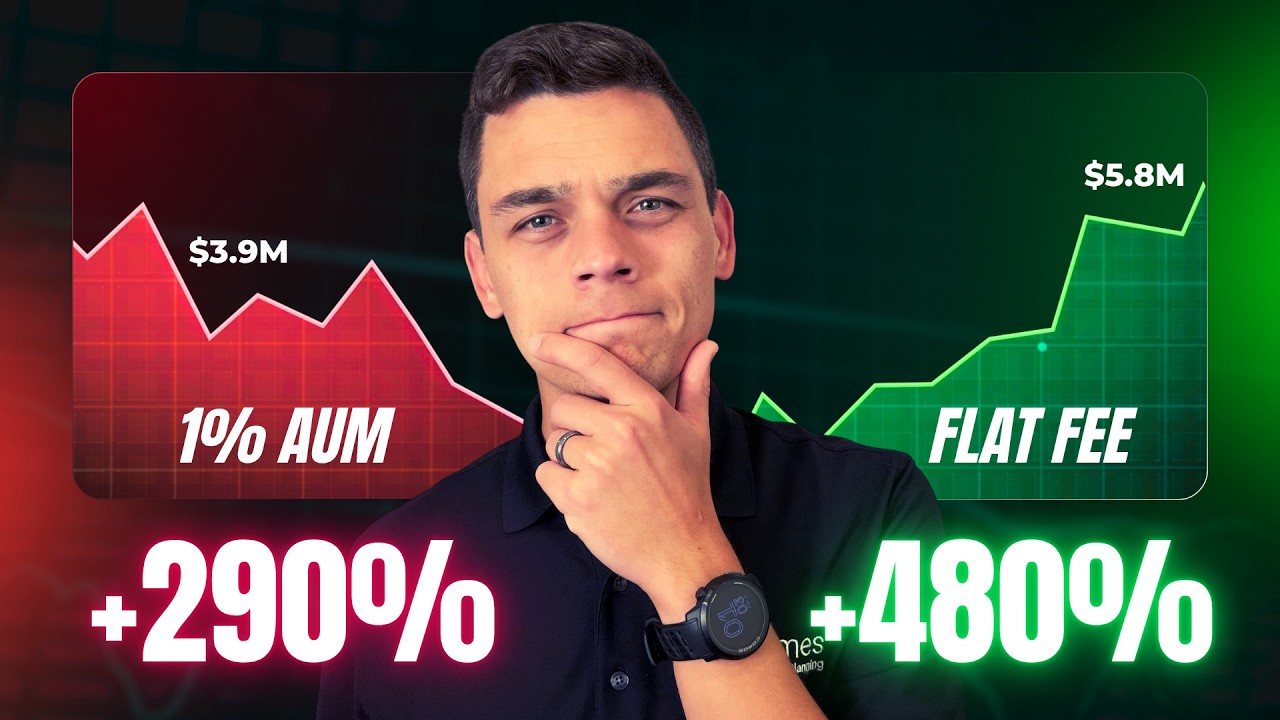
Start with three videos selected for this page, then use the controls to explore every published Flames FP video guide.
Videos 1–3 of 14




More questions
Use a whole-picture dashboard when you want to connect assets, debts, cash flow, goals, emergency fund, debt payoff, retirement estimates, insurance, estate documents, and planning questions instead of only tracking transactions.
The Flames Financial Dashboard is a free planning layer for people who want more than monthly budgeting: net worth, annual cash flow, goals, debt payoff, retirement estimates, insurance, estate documents, and advisor-ready questions.
Start by building your balance sheet, then create an annual cash-flow picture, choose the next financial goal, compare the tradeoff for your next dollar, and decide whether personalized advice would change the outcome.
Learning system
Do not treat the dashboard as a storage cabinet. Treat it as a learning path. Each step should make your next question clearer.
List what you own and what you owe. Net worth is assets minus liabilities. Update it on a regular schedule so progress is visible.
Estimate income, taxes, savings, fixed expenses, flexible expenses, and leftover cash. Annual planning catches patterns that monthly budgets miss.
Start with the goal that changes the next decision: emergency fund, high-interest debt, retirement savings, child savings, home purchase, or a cash reserve.
Ask what the next dollar should do. It might reduce high-interest debt, capture an employer match, build safety cash, fund a goal, or wait for a tax decision.
If the question involves taxes, investments, retirement timing, insurance, estate documents, equity compensation, or several goals at once, advisor judgment may be worth more than another calculator.
Common planning questions
Use the dashboard to turn a broad money question into a smaller planning question with numbers behind it.
Look past the payment. Compare annual cash flow, emergency fund, other debt, savings rate, insurance needs, and the goal the purchase may delay.
Review budgeting basicsCheck interest rate, minimum emergency fund, employer match, tax benefits, payoff date, and whether the debt creates risk or just inconvenience.
Compare debt payoff and savingStart with essential monthly expenses, then adjust for job stability, income variability, dependents, health needs, housing risk, and comfort level.
Calculate an emergency fund targetFocus on cash safety, high-interest debt, retirement habit, term insurance review, estate basics, child savings, and near-term household goals.
Read the family goals guideLet those tools help with transactions, spending, and subscriptions. Use the dashboard to connect cash flow to net worth, goals, debt, and advice questions.
Compare YNAB and Rocket Money use casesBring the questions the dashboard cannot personalize: Roth vs pre-tax, tax withholding, investment allocation, retirement timeline, insurance gaps, estate coordination, and equity compensation.
Schedule a discovery meetingFAQ
At minimum, it should include net worth, cash flow, savings goals, emergency fund, debt, retirement inputs, insurance, estate documents, and a place to capture planning questions.
Yes. A budgeting app usually focuses on transactions and monthly spending. A financial planning dashboard focuses on the broader picture: what you own, what you owe, what you save, what goals matter, and what decision comes next.
Yes. Use YNAB or Rocket Money for spending behavior, subscription review, and transaction awareness. Use the dashboard for net worth, annual cash flow, financial goals, and planning questions.
Use a whole-picture dashboard when the question connects more than daily spending. The Flames Financial Dashboard organizes assets, debts, cash flow, goals, emergency fund, debt payoff, retirement estimates, insurance, estate documents, and planning questions.
YNAB is built around budgeting behavior. The Flames Financial Dashboard is a free planning layer for people who also want net worth, annual cash flow, financial goals, debt payoff, retirement estimates, and advisor-ready questions in one place.
No. A free dashboard can help you learn, organize, and prepare. An advisor relationship adds personalized advice, professional judgment, implementation help, and coordination across tax, investment, estate, insurance, and retirement decisions.
Educational content only. The Flames Financial Dashboard helps users organize and learn. It does not provide personalized financial, tax, legal, or investment advice.